Introduction
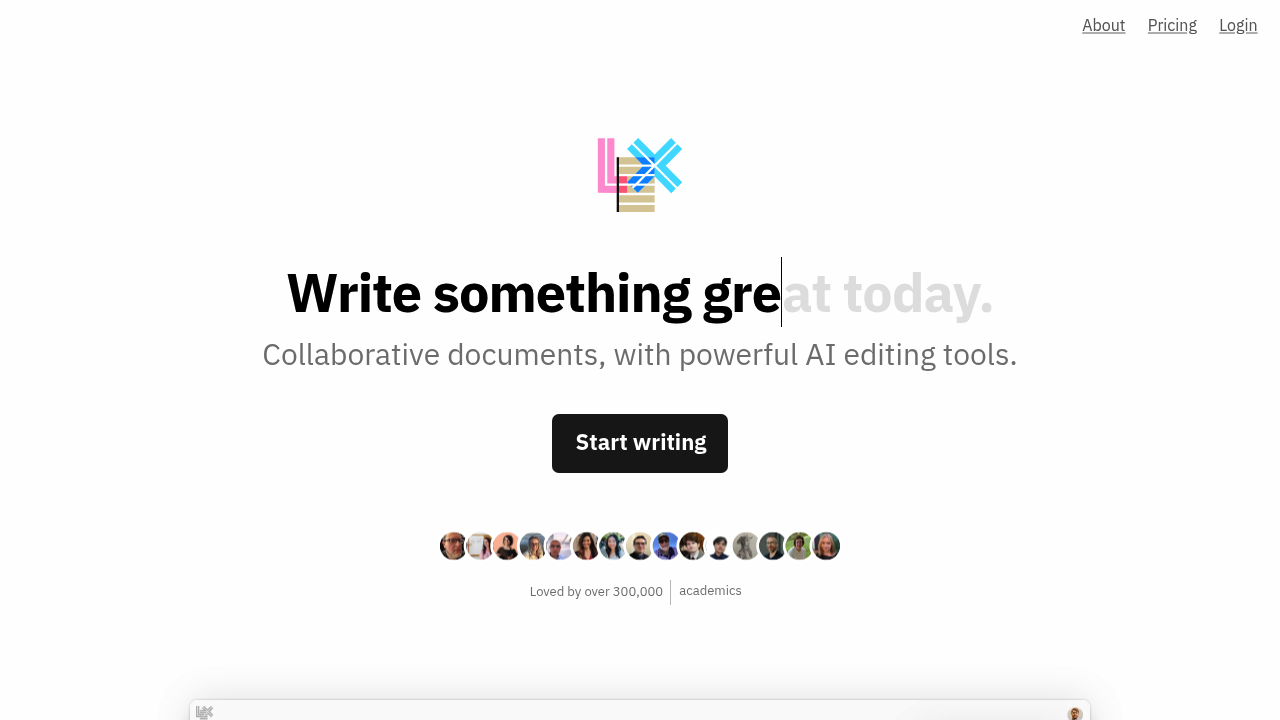
Lex is a minimalist AI-native writing editor designed for serious long-form writers — journalists, essayists, content creators, and researchers — who want powerful AI assistance integrated directly into a distraction-free document environment. Built on top of frontier AI models including GPT-4.1 and Claude, Lex provides real-time AI feedback, title ideation, and collaborative editing through a clean interface that prioritizes the writing experience over feature complexity.
Lex targets professional writers and content teams who spend hours daily in a writing environment and find tools like Google Docs or Notion too generic and AI-generation tools like Jasper too output-focused. Lex positions itself as the Google Docs replacement for writers who want AI as an always-available creative collaborator rather than a content factory.
The key differentiator is the combination of minimalism and AI depth: Lex gives writers access to the most capable frontier models (not watered-down versions) in an interface that stays out of the way until you need it. Trusted by over 300,000 writers including Amanda Natividad (VP Marketing at SparkToro) who calls it her Google Docs replacement.
Prices are subject to change. Check official pricing.
- Free Plan: $0/month — access to free AI models, core writing features, revision history, publishing, live collaboration
- Pro Plan: $18/month (monthly) or $12/month billed annually ($144/year) — access to GPT-4.1, Claude 4 Opus and Sonnet, early access to new features, iOS app, priority email support
- Monthly subscription with refund available if not satisfied within first period
Getting Started
Lex is browser-based at lex.page — no installation required. Create an account and start writing immediately. The interface is a clean document editor with minimal chrome: title, body text, and a subtle AI button in the toolbar. Live collaboration works via shared links with no app download required for collaborators. Mobile web is supported for writing and reviewing on any device.
The AI Ask feature is the primary interaction point — click the AI button or use a keyboard shortcut to open a chat panel where you can ask for feedback, request rewrites of highlighted text, brainstorm titles, generate outlines, or continue a passage in your established voice. Custom prompts can be saved and reused for recurring tasks.
Core Features
Frontier AI Models: Pro users access GPT-4.1 and Claude 4 Opus/Sonnet — not the lite versions used in many consumer writing tools. The quality difference between frontier models and their smaller counterparts is significant for complex writing tasks: nuanced argument development, stylistic analysis, and voice preservation all benefit from model capability.
AI Feedback and Collaboration: Ask Lex to review your draft, identify weak arguments, suggest structural improvements, or rewrite specific sections in a different style. Upload reference files for context — Lex uses them to calibrate suggestions to your established research and framing, producing more relevant feedback than context-free AI assistants.
Versions and Track Changes: The version timeline visualizes your document's revision history, making it easy to review and revert changes. Track Changes (coming soon) will add the collaborative editing workflow familiar from Google Docs with AI-powered twist, enabling AI-suggested edits alongside human collaborator edits in a unified view.
Title Ideas: One-click title generation produces a list of headline options based on your document content. This feature alone is valuable for content creators who spend disproportionate time on titles — Lex generates 10+ options instantly, covering different angles and framing approaches.
First Project Tutorial
Open lex.page and create a new document. Write your first paragraph freely. When you get stuck or want feedback, click the AI button and type: "Give me feedback on the opening paragraph — does it establish a clear argument?" Lex analyzes your specific text and responds with targeted editorial feedback rather than generic writing advice.
To generate a title, click the Title Ideas feature at any point in your writing process. Lex reads your current draft and produces a list of headline options — review them for angle and tone, and either use one directly or let them inspire your own formulation.
Best Practices and Optimization
Save custom prompts for your most common AI requests. If you always ask Lex to check for passive voice, identify logical gaps, or generate three headline options in a specific style, encode these as saved prompts for one-click access during your editing workflow.
Use Lex's collaboration features for editorial review — share a link with an editor or subject matter expert, let them add comments directly in the document, and use the AI to help you evaluate their feedback and revise accordingly. This creates a tighter human-AI editorial loop than email-based review workflows.
Pros and Cons
- Pros: Access to frontier AI models (GPT-4.1, Claude 4) not available in most consumer tools; minimalist distraction-free interface; real-time AI feedback on your specific writing; version history with visual timeline; live collaboration; custom prompt library
- Cons: Pro pricing not fully disclosed on website — requires signup to see rates; less feature-rich than Notion for project organization; newer product with smaller user community than established tools; no dedicated mobile app currently (web only)
What Users Are Saying
Lex has a devoted following among writers who prioritize quality AI feedback over volume content generation. Users who have switched from Google Docs praise the integrated AI without distracting features, and the access to frontier models is frequently cited as the primary reason for upgrading to Pro. Community discussions note it is best for writers who already know what they want to say and need help saying it better.
Have you used Lex? Share your experience in the review section below.
Summary
Lex is the best AI writing editor for serious long-form writers who want frontier AI model capabilities — GPT-4.1 and Claude 4 — integrated into a minimalist, distraction-free document environment. Its focus on writing quality over volume makes it the right tool for journalists, essayists, and content strategists who write for depth rather than scale. For writers who have found other AI tools too output-focused or too complex, Lex offers a refreshingly writer-centric approach to AI-assisted content creation.